Create or upload a person identity
AI Outfit Photoshoot
AI outfit photoshoot
Generate outfit shoots, studio images, and ecommerce detail references from the same AI model identity.
10 free generation credits · No credit card · Keep expanding one identity
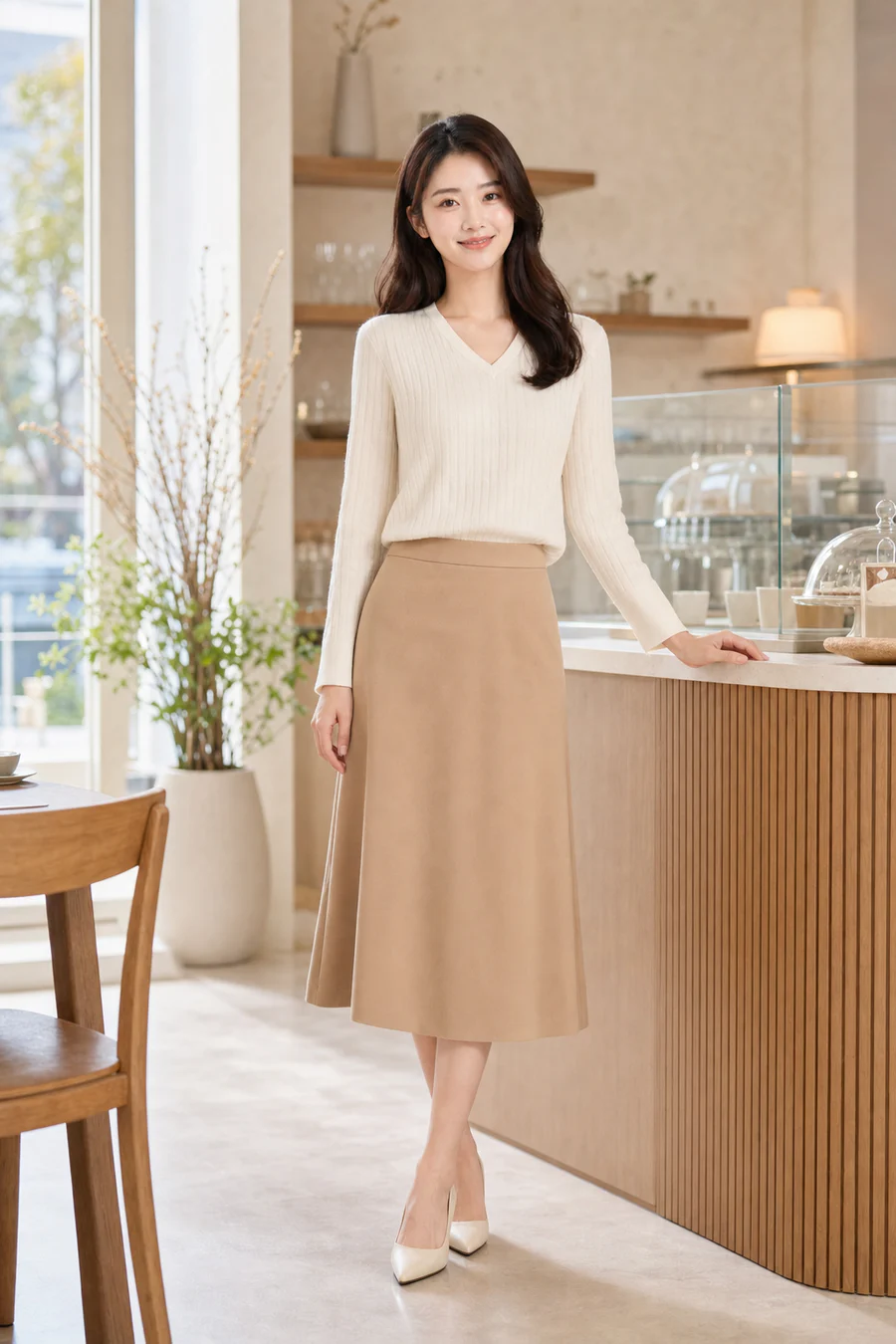
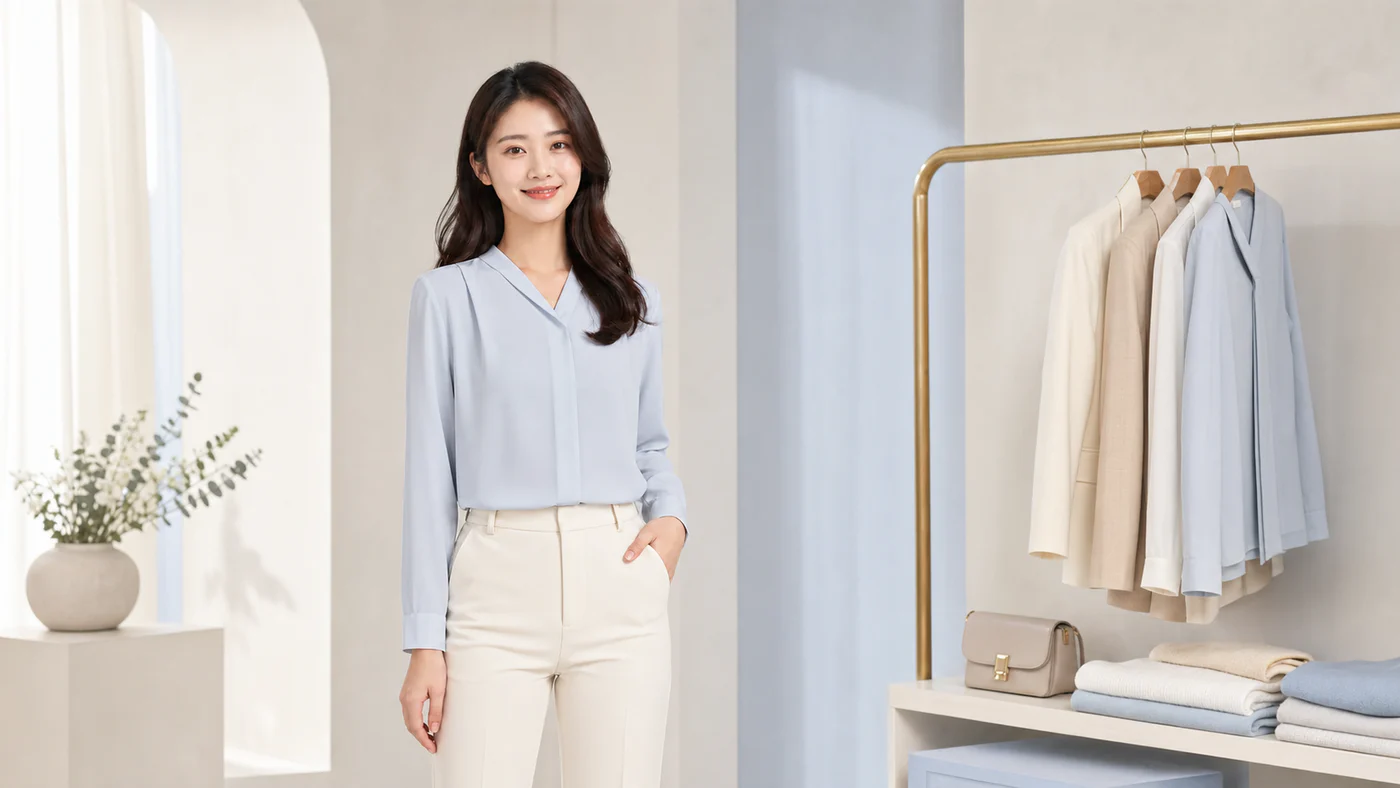
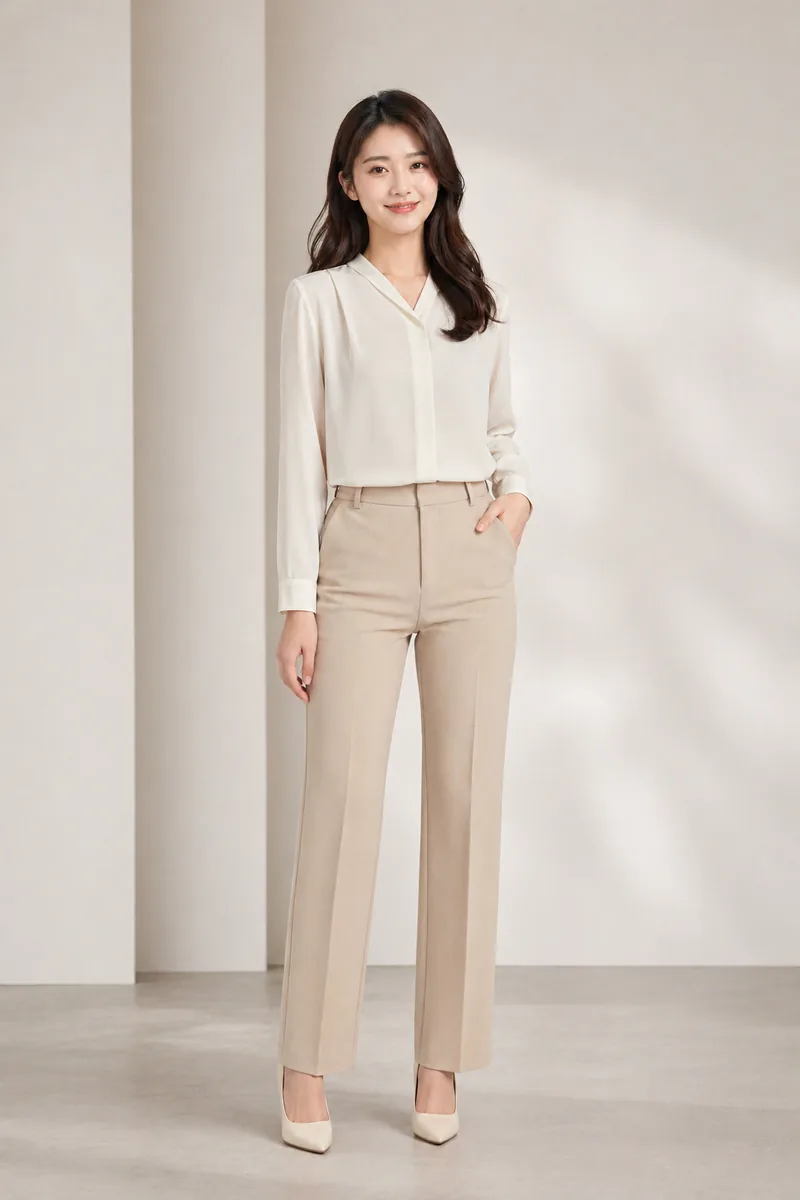
Expand one person identity into multiple assets
Approve the identity first, then expand it into outfit, product, livestream, avatar, or ad assets.
Successful profiles are saved automatically
Choose outfit, product, livestream, avatar, or ad asset type
Review identity, product accuracy, and platform rules
One model, multiple outfits
Save a model profile first, then create different clothing and studio background variants for comparison and campaign planning.
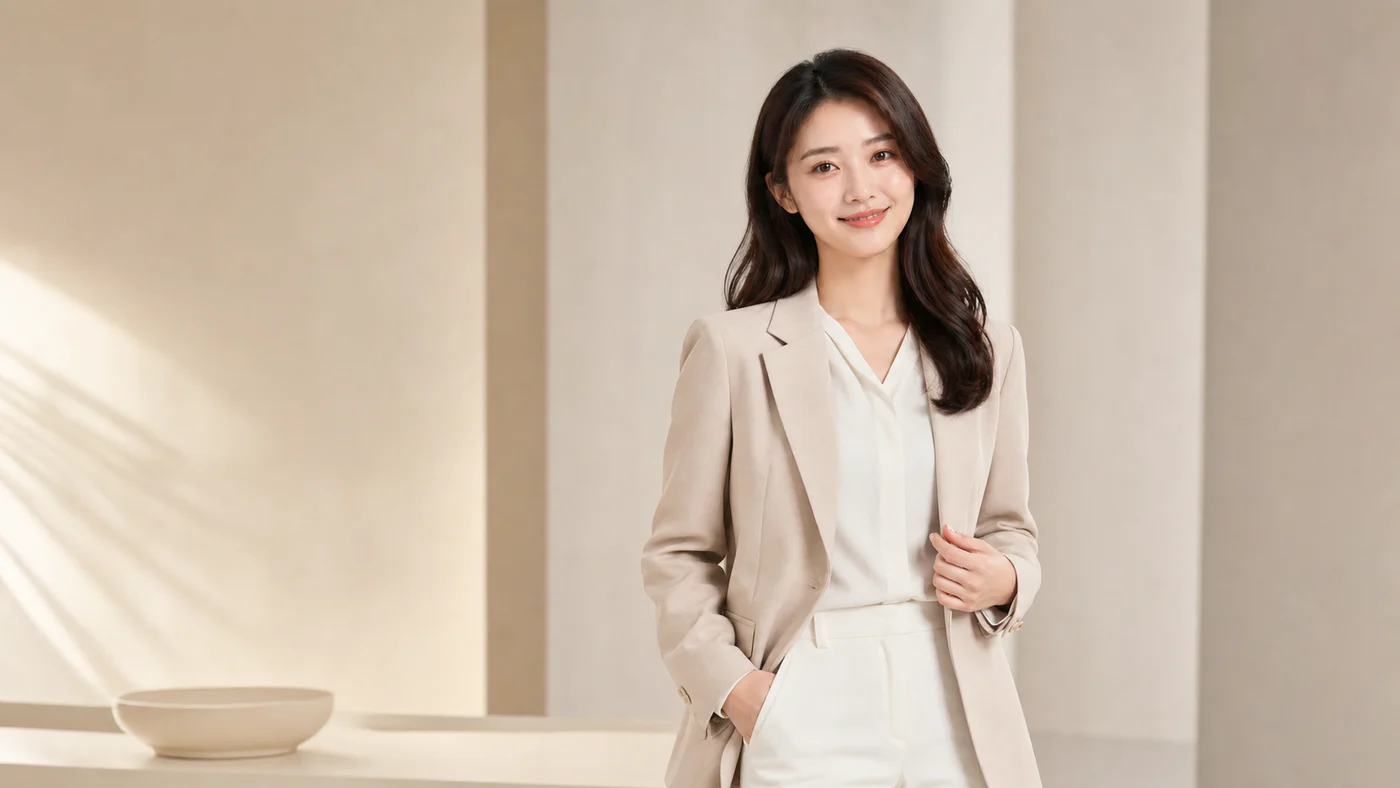
Validate creative direction before production
Use AI outfit visuals to explore style, composition, and ad directions before final shoots or campaign spend.
FAQ
Answers about reusable identities, source images, credits, and practical asset workflows.
Does an outfit shoot replace the original image?
No. Expanded assets create new tasks while the original model profile and task history remain available.
How is this different from regenerate?
Regenerate repeats the current task settings. Outfit photoshoot expansion lets you choose clothing and scene direction.
AI outfit photoshoot
Start with a reusable identity, then expand the assets that matter for your workflow.