Examples
Workflow examples: from one identity to reusable commercial assets
These examples follow real production paths. Approve one AI presenter or ecommerce model identity first, then expand it into outfit shoots, product scenes, livestream visuals, avatars, and ad concepts.
Ecommerce model workflow
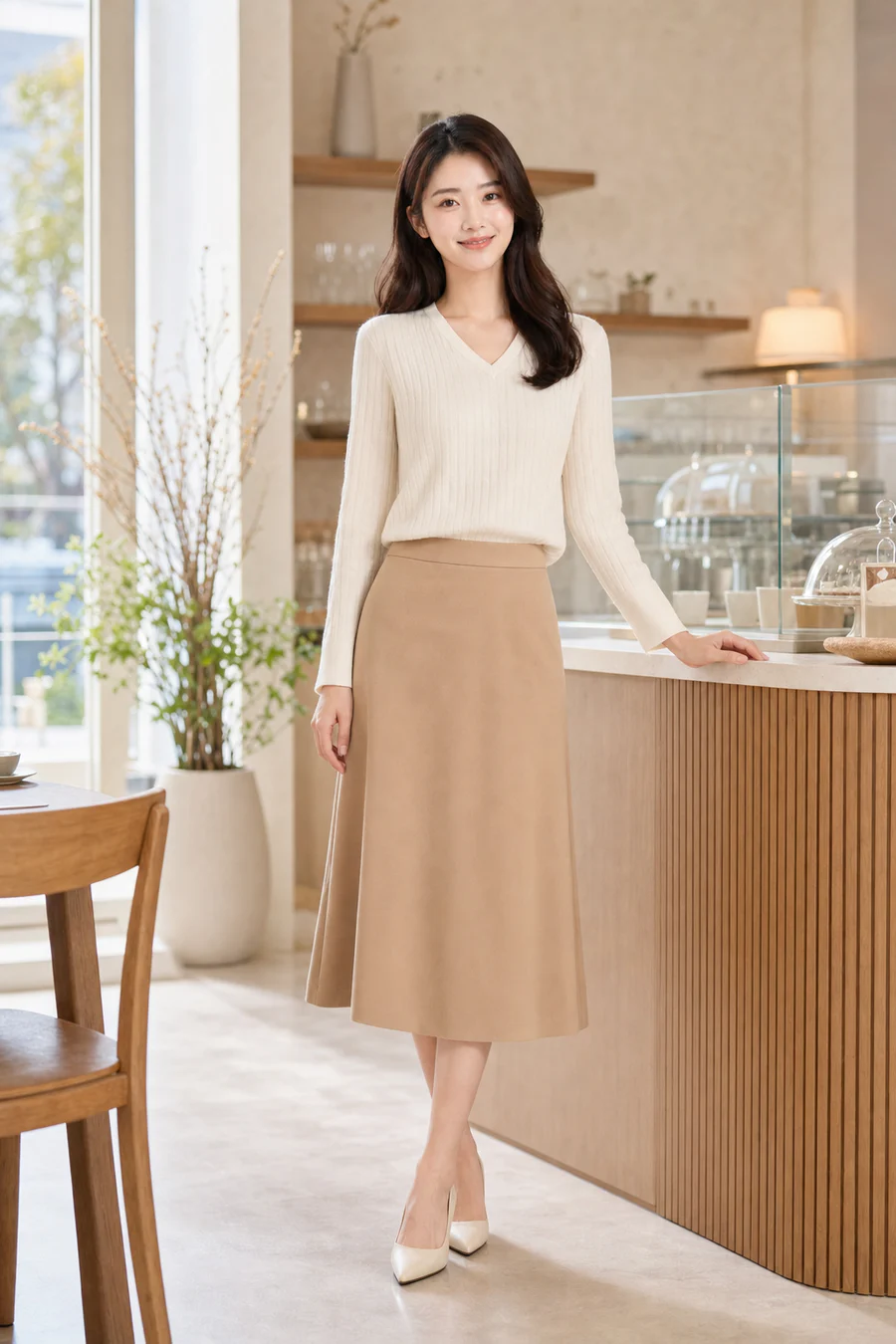
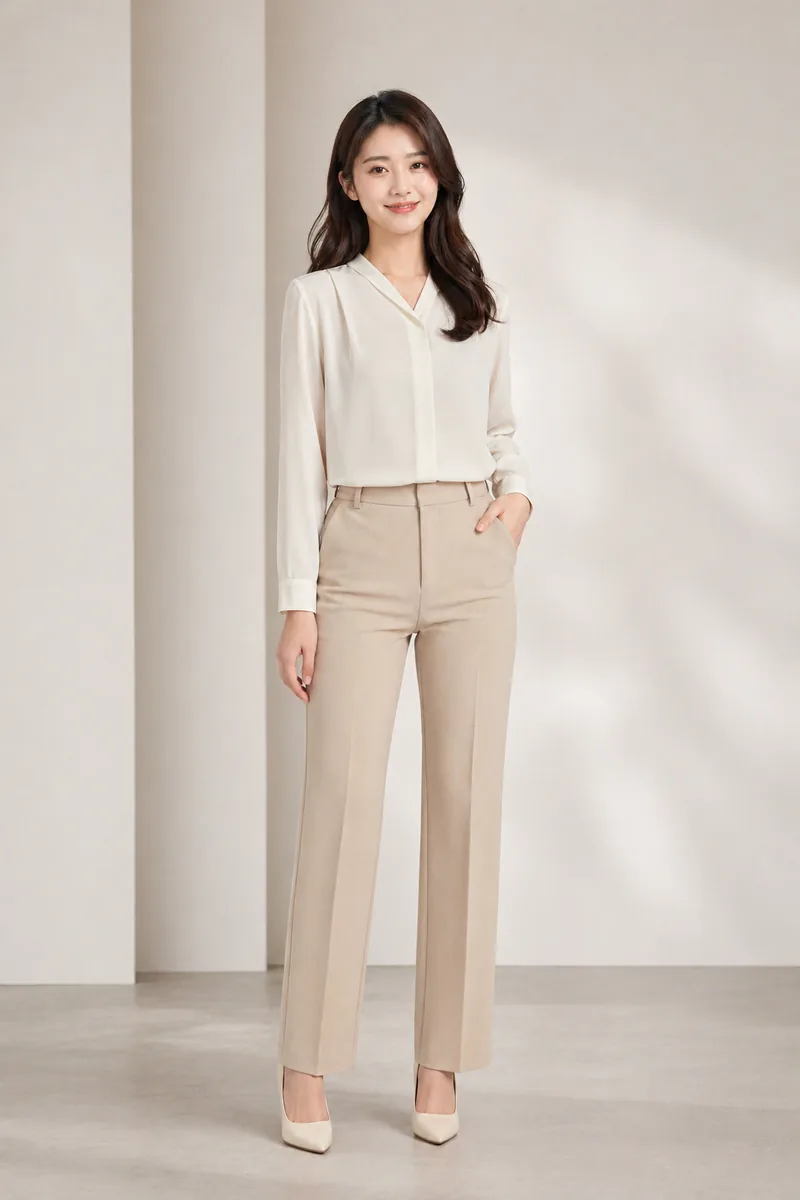
Apparel launch: one ecommerce model across outfit shoots
Best for apparel sellers, cross-border ecommerce teams, and product-detail workflows. Create one clean front-facing model, save it as a model profile, then expand the same person into business, casual, studio gray, and soft lifestyle scenes.
- Input
- Model profile or AI-generated model, outfit category, scene preference, and styling notes.
- Path
- Create model -> save as model profile -> open model workspace -> choose outfit shoot.
- Output
- Outfit launch visuals, detail-page references, ad drafts, and styling comparisons.
- Review
- Check face consistency, clothing shape, hands, shoe and trouser edges, and background cleanliness.
Product visual workflow
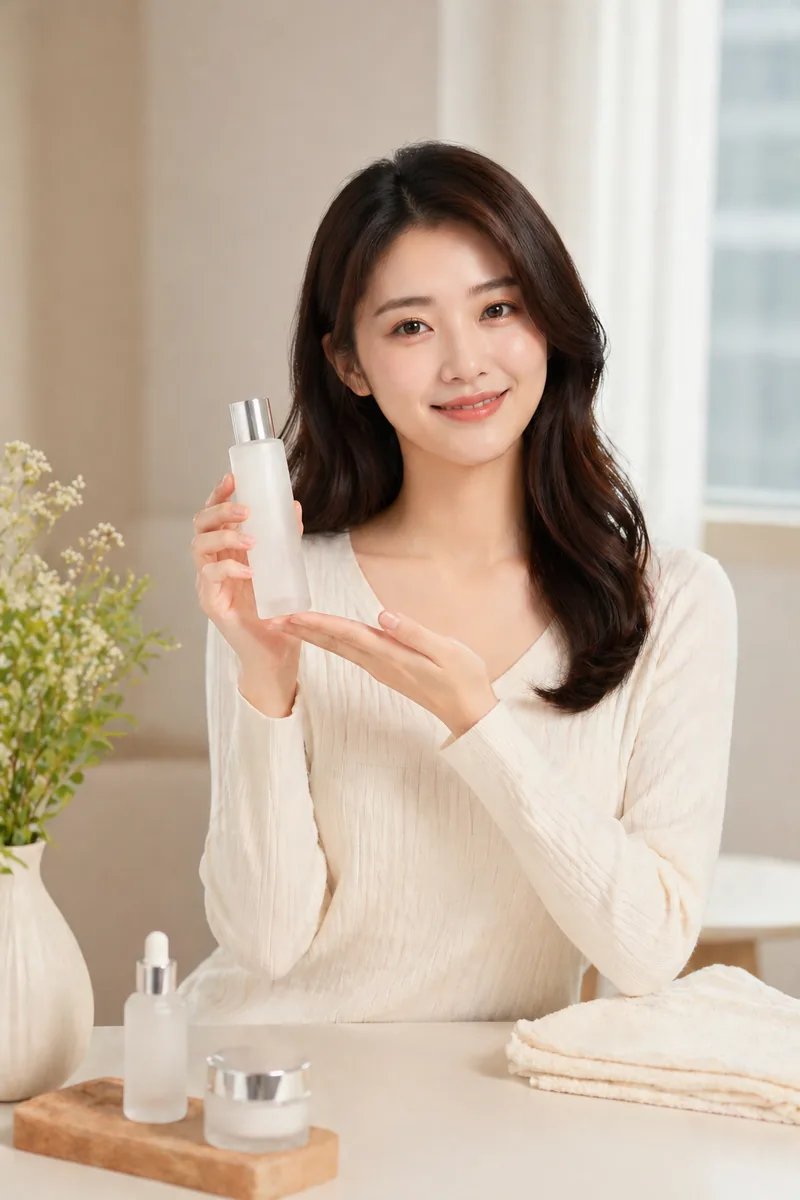
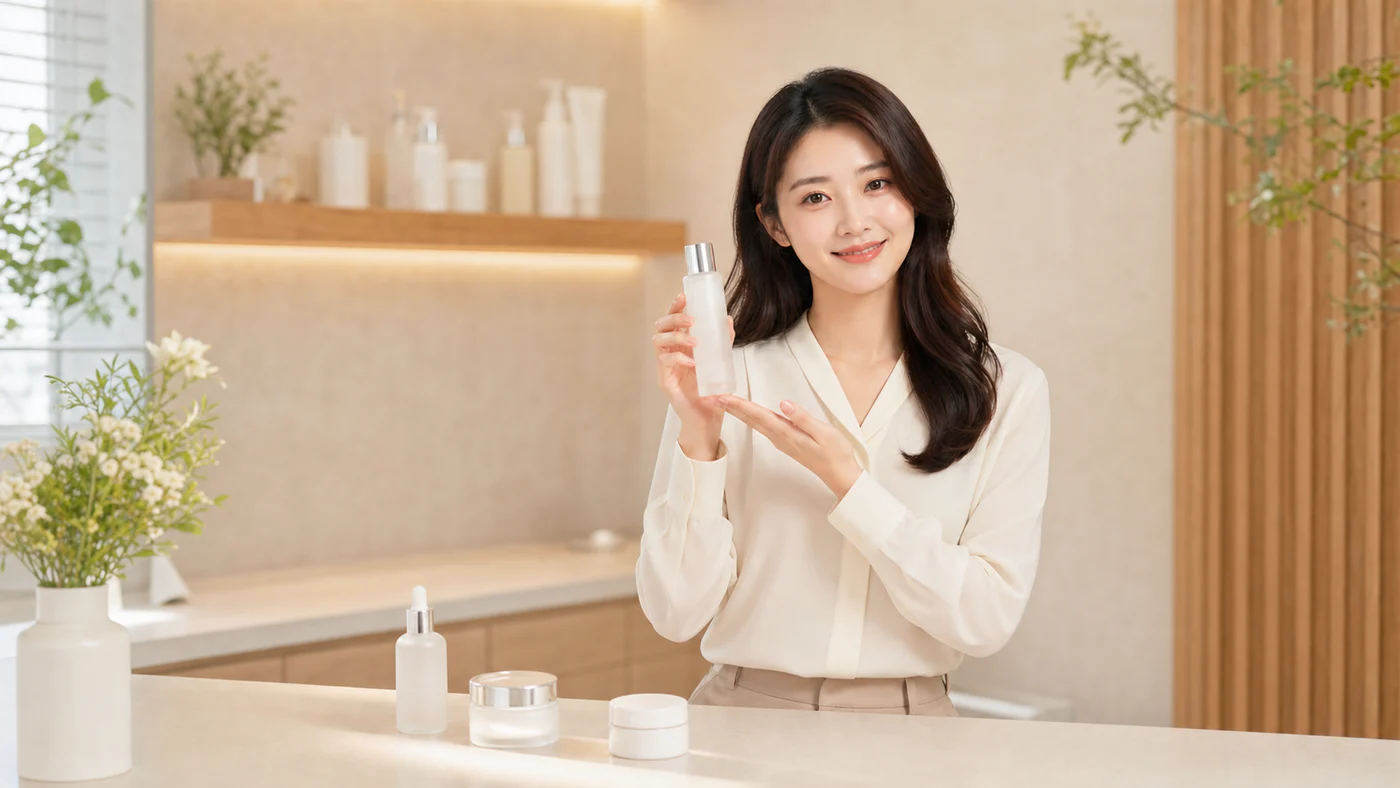
Product showcase: let a model or presenter hold the product
Useful for beauty, accessories, packaged goods, small consumer products, and livestream commerce. It does not replace real product photography, but it helps test person-product scale and visual hierarchy quickly.
- Input
- Saved person profile, product name, selling points, and optional product reference image.
- Path
- Open profile workspace -> choose product showcase -> add product details -> generate candidates.
- Output
- Handheld product scenes, tabletop layouts, half-body display shots, and ad concept visuals.
- Review
- Check product scale, hand occlusion, no unwanted text, brand compliance, and need for real photography.
Presenter workflow
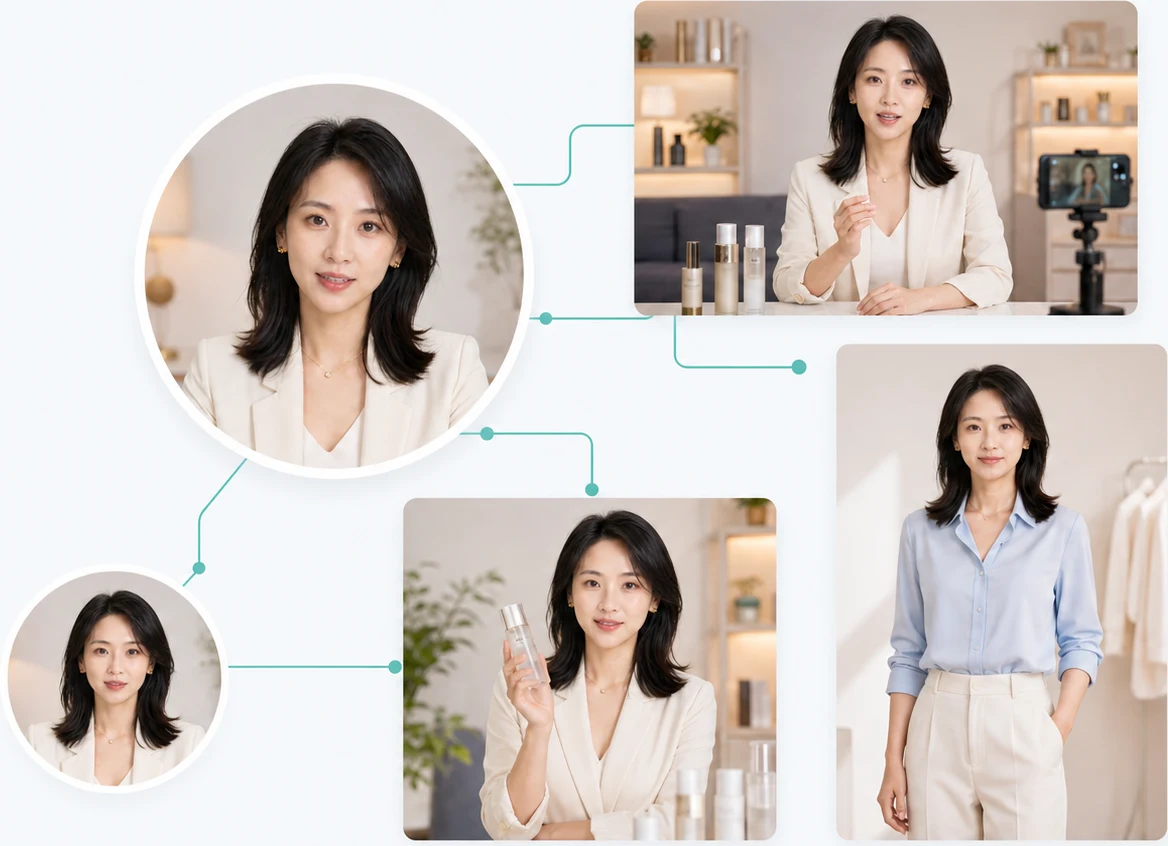
AI presenter: avatar, explainer, and livestream scenes
For courses, knowledge accounts, livestream selling, and business explainers. Approve a credible presenter first, then generate standing explainers, desk scenes, livestream frames, and account avatars from the same identity.
- Input
- Presenter persona, target market, outfit style, expression, and posture.
- Path
- Create presenter -> save as presenter profile -> open presenter workspace -> choose desk, standing, livestream, or avatar scene.
- Output
- Short-form covers, livestream previews, course explainer visuals, avatars, and account brand assets.
- Review
- Check identity consistency, expression credibility, platform rules, and whether the result could mislead users.
Campaign asset workflow
Detail-page and ad concepts from one approved person
After a profile is stable, extend it into ecommerce detail references, lifestyle ad visuals, and short-form covers. Use these outputs for creative direction, then review legal, product, and ad-platform requirements before publishing.
- Input
- Approved profile, product or outfit direction, placement scenario, and additional requirements.
- Path
- Profile workspace -> choose lifestyle ad or detail-page sample -> adjust product and scene parameters.
- Output
- Campaign concepts, detail-page layout references, short-form first frames, and asset testing directions.
- Review
- Check advertising claims, product accuracy, likeness rights, platform review risk, and need for designer cleanup.